Every file produced during your actions is kept in the Version history panel on the right of the screen. Each entry shows its source/target language and a Download button.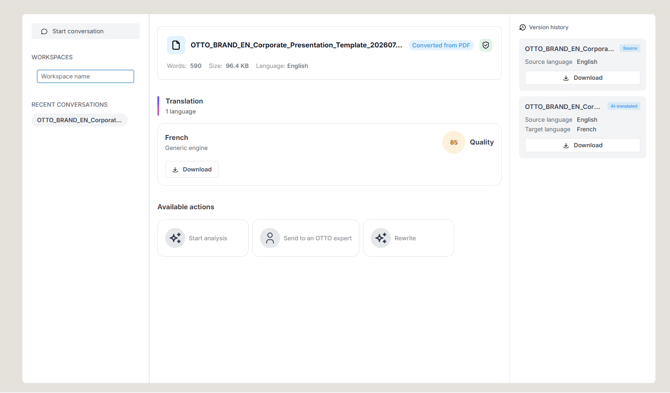
To get back to your work:
- Use Recent conversations in the left panel to reopen a conversation.
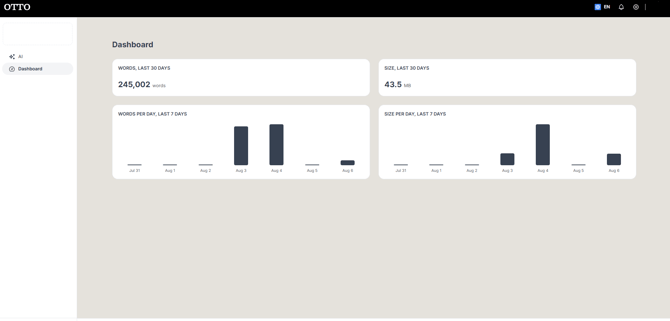
- Use the Dashboard to follow your activity and requests.