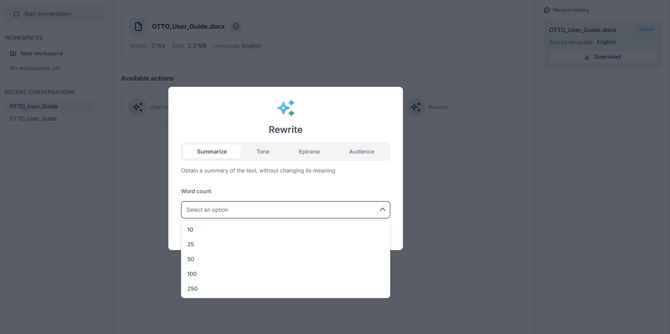
- Start Rewrite and open the Summarize tab.
- Under Word count, choose the length: 10, 25, 50, 100, or 250 words.
- Run the rewrite and download the result from the card or the Version history.
Summarizing produces a shorter version of the text without changing its meaning.